You can import existing site reviews into SiteVibes via a CSV file with required fields: review title, content, rating (1–5), and user name. Optional fields like email and created date can be included. The import process involves accessing Reviews Manage Content Company Reviews, uploading the CSV, mapping columns, and confirming the import. Imported reviews can then be edited, approved, filtered by rating, and their visibility managed on your storefront.
You can import existing site reviews into SiteVibes using a CSV file. This allows you to bring in reviews collected from other platforms or systems and display them within SiteVibes.
Before You Begin
Prepare your CSV file for upload. The following fields are required for a successful import:
Required Field |
Description |
Review title |
Short title or headline of the review. |
Review content |
The main body of the review. |
Review rating |
Numeric rating (1–5). |
User name |
The name of the reviewer. |
Step-by-Step Instructions
1. Open the Reviews Section
From your SiteVibes dashboard, click Reviews in the left-hand navigation.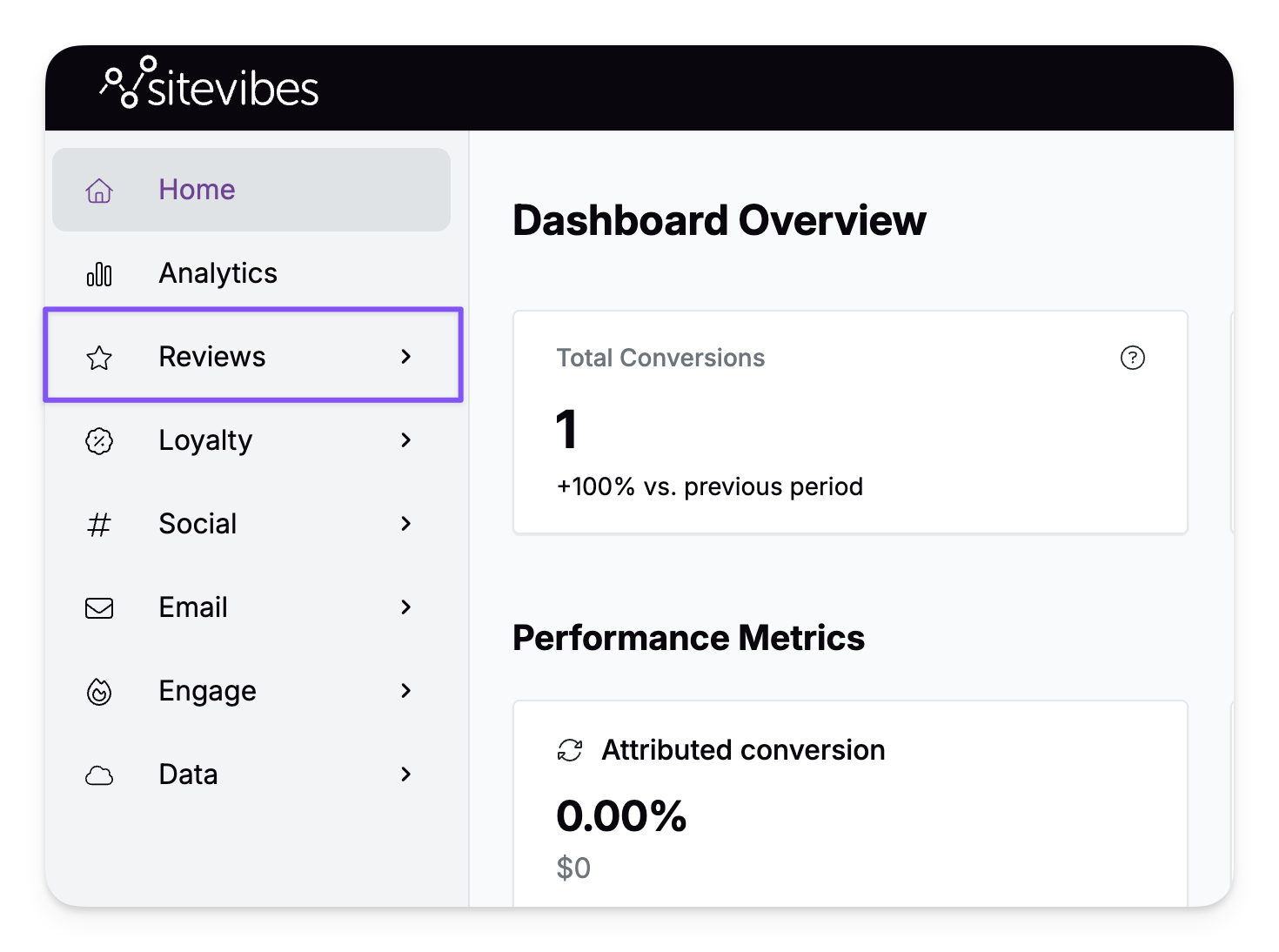
2. Go to Manage Content
Click Manage Content under the Reviews menu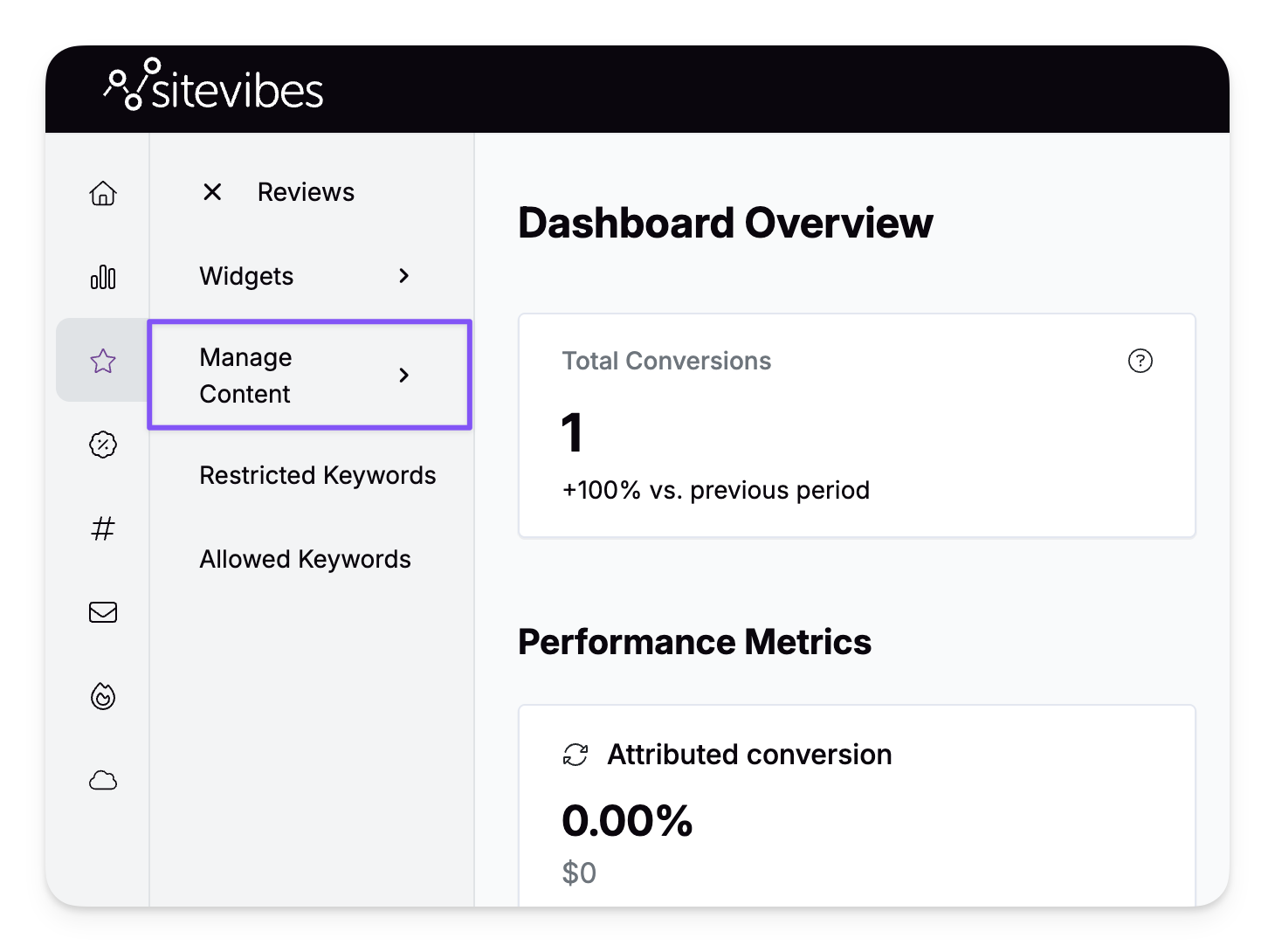
3. Select Company Reviews
Choose Company Reviews from the options.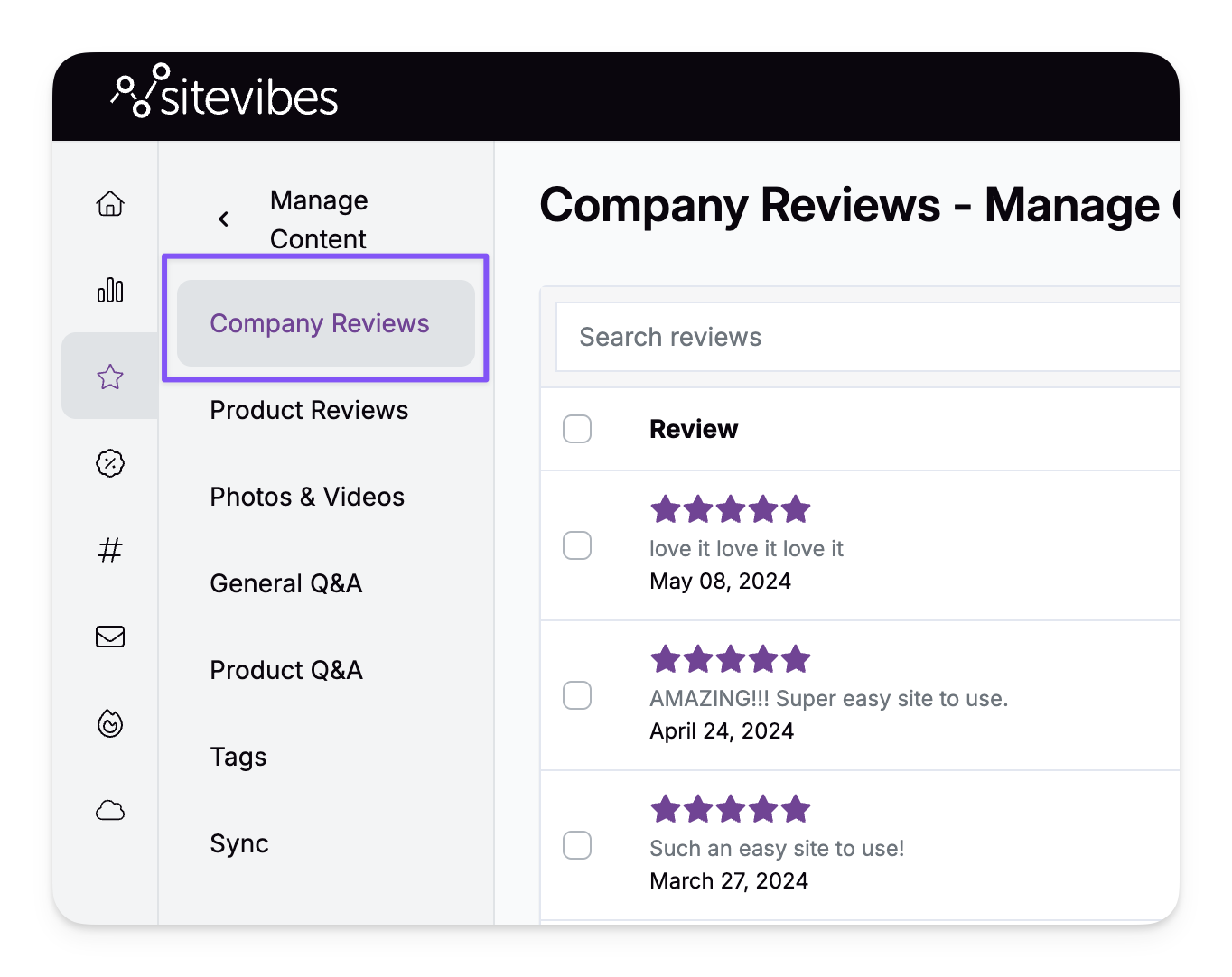
4. Start the Import Process
Click Import Reviews in the top-right corner.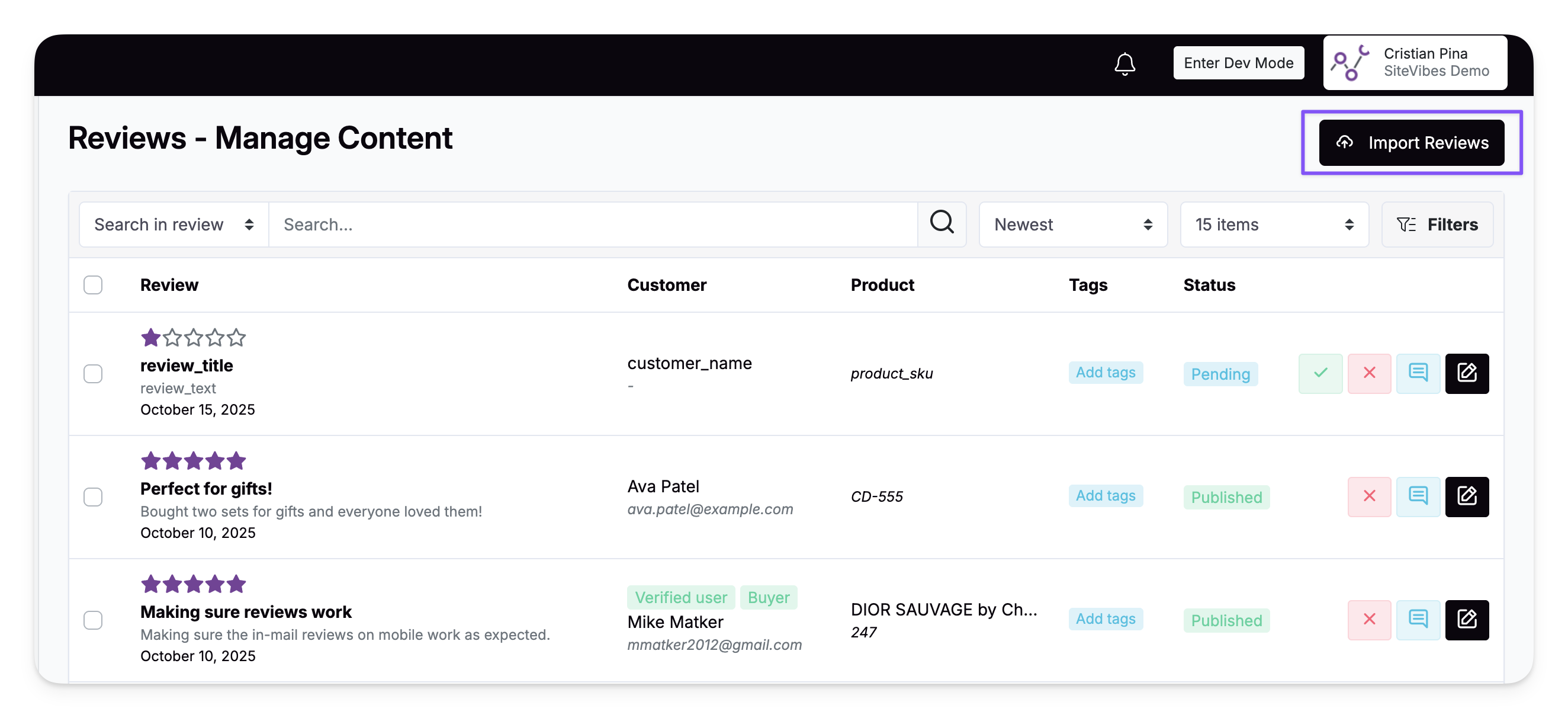
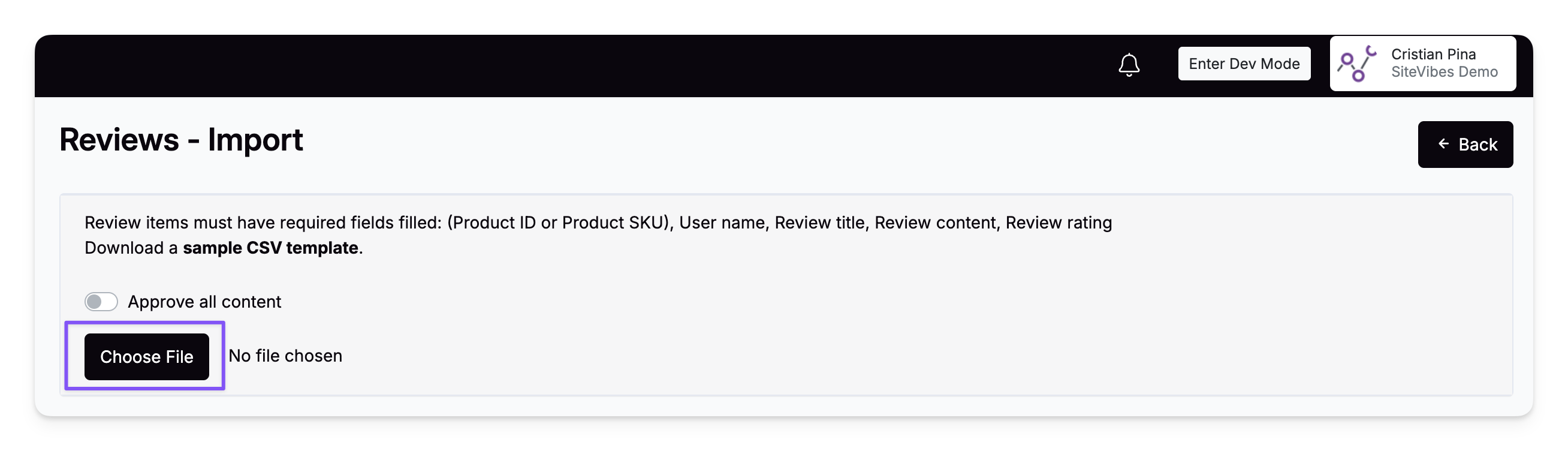
5. Upload Your CSV File
Click Choose File and select your prepared CSV file.
6. Map Your Columns
Match each column from your CSV to the correct SiteVibes field.
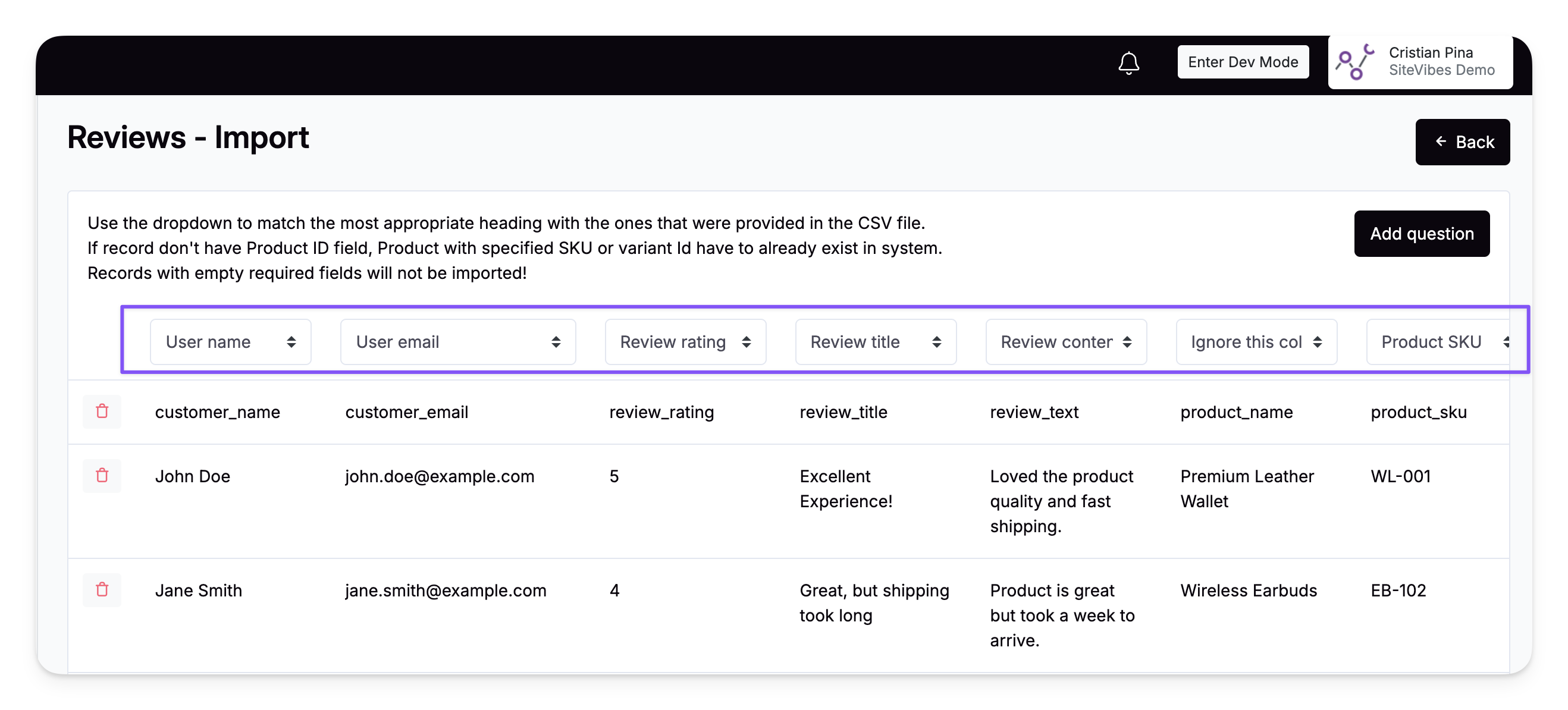
CSV Column |
Select in SiteVibes |
Title |
Review title |
Content |
Review content |
Rating |
Review rating |
Name |
User name |
Other columns |
Ignore this column |
7. Confirm and Import
Once all columns are mapped correctly:
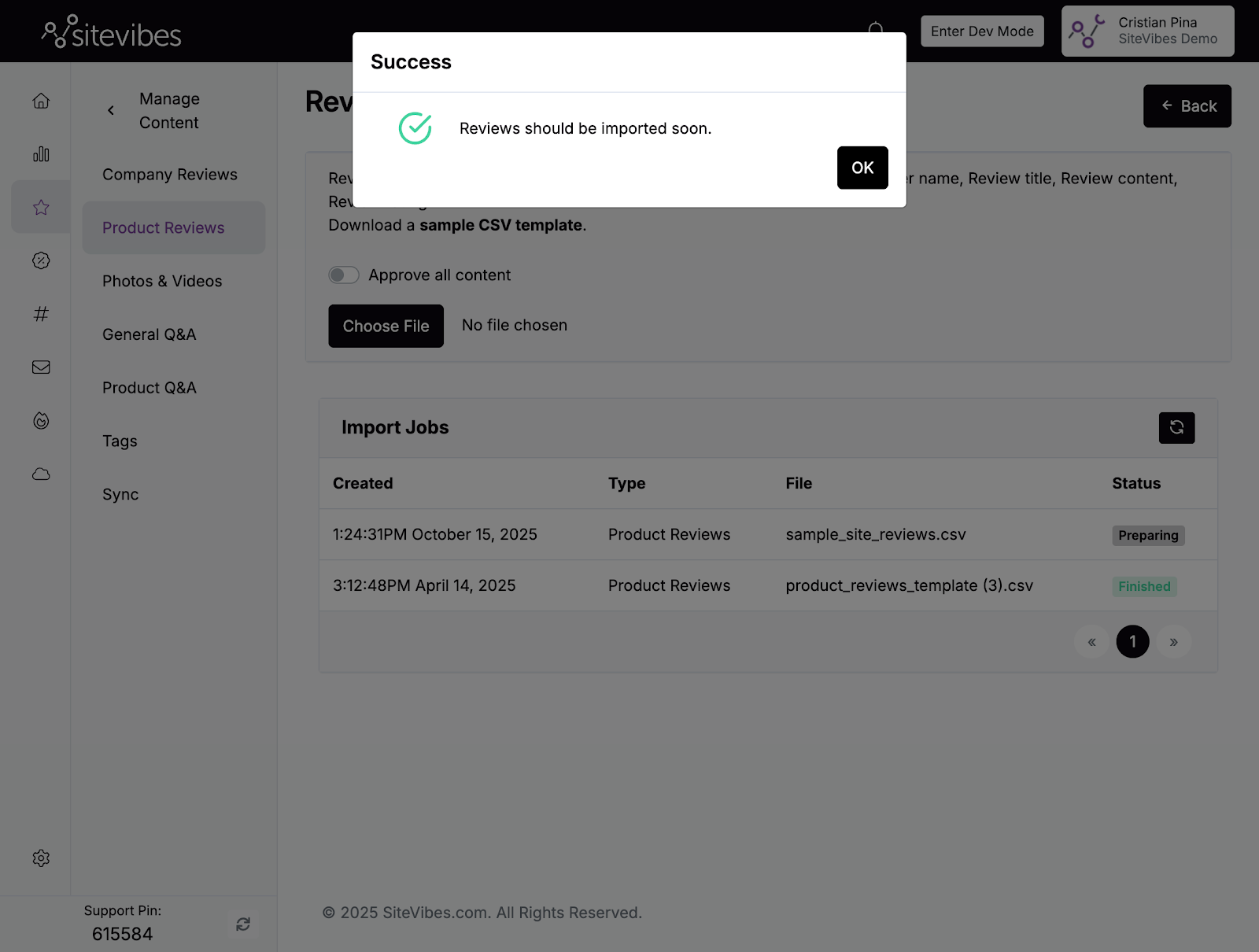
Click Import
When prompted, click OK to confirm
After Import
Your imported reviews will appear under Reviews → Manage Content → Company Reviews.
You can:
Edit, approve, or reject reviews
Filter by rating
Verify review visibility on your storefront