SiteVibes allows easy setup of loyalty promotions at site, product, category, or brand levels. Users can create site-wide promotions by specifying details and eligibility. For targeted promotions, points can be modified per product, category, or brand, with options for default, custom, or no points awarded, and custom multipliers per tier.
SiteVibes makes it easy to enable loyalty promotions both at the site level as well as individual product, category or brand level. This article will walk you through setting up different types of promotions.
Creating Site Wide Promotions
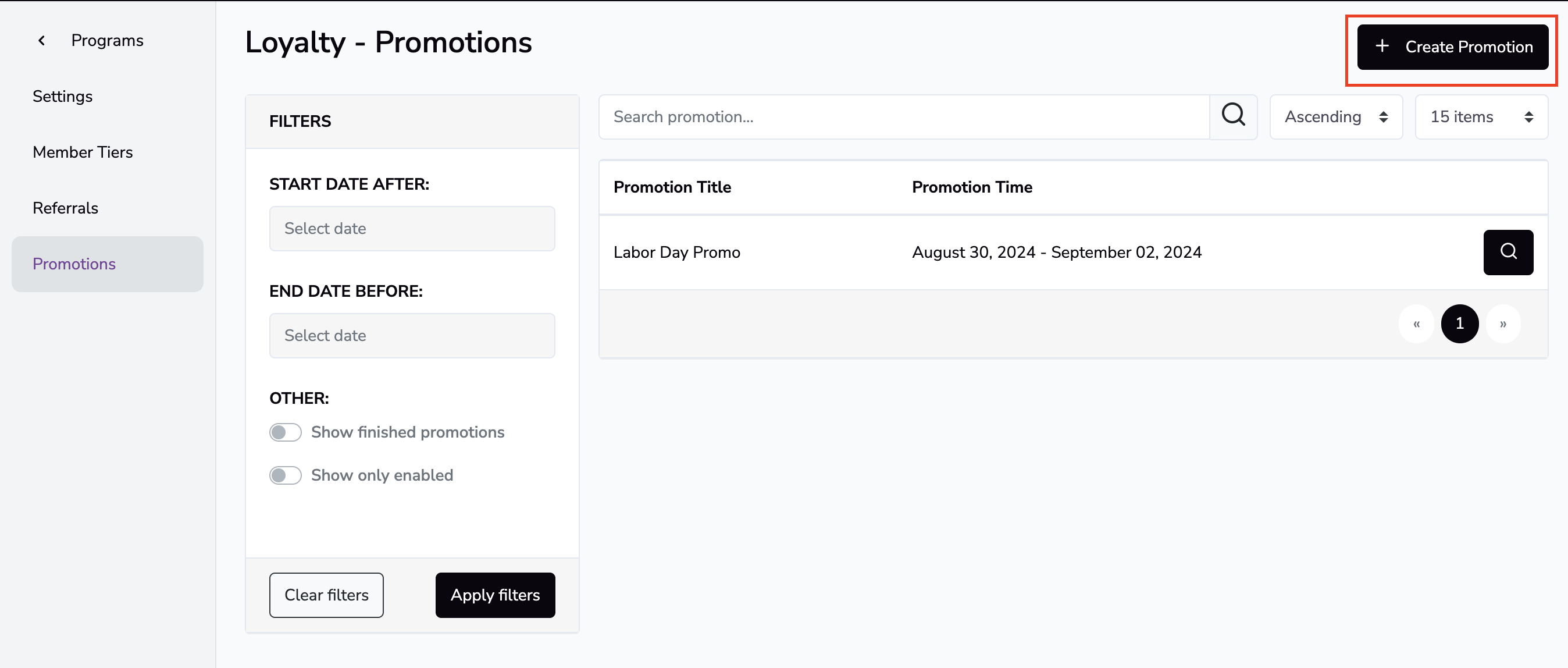
Sign in to your SiteVibes account and navigate to Loyalty -> Programs -> Promotions. Here you will see any active or scheduled promotions.
To create a new promotion click "Create Promotion". Enter your promotion name along with a start date and an end date.
Once your promotion is set up, edit the details of the promotion, i.e. 4x the points and what tiers are eligible.
Creating Product level, Brand level or Category level promotions
Sign in to your SiteVibes account and navigate to Loyalty -> Products. Here you will see 3 tabs
- Product tab - Responsible for modifying points at an individual product level
- Categories tab - Responsible for modifying points based on the products category
- Brand tab - Responsible for modify points based on the brand
Each option will offer different rules available.
- Default Number of Points - This will use the default points set for your ways to earn
- Points Not Awarded - This will not award points for this product, category or brand
- Custom Number of Points per Tier - Set a custom value of points per tier
- Custom Points Multiplier per Tier - Set a custom point multiplier per tier
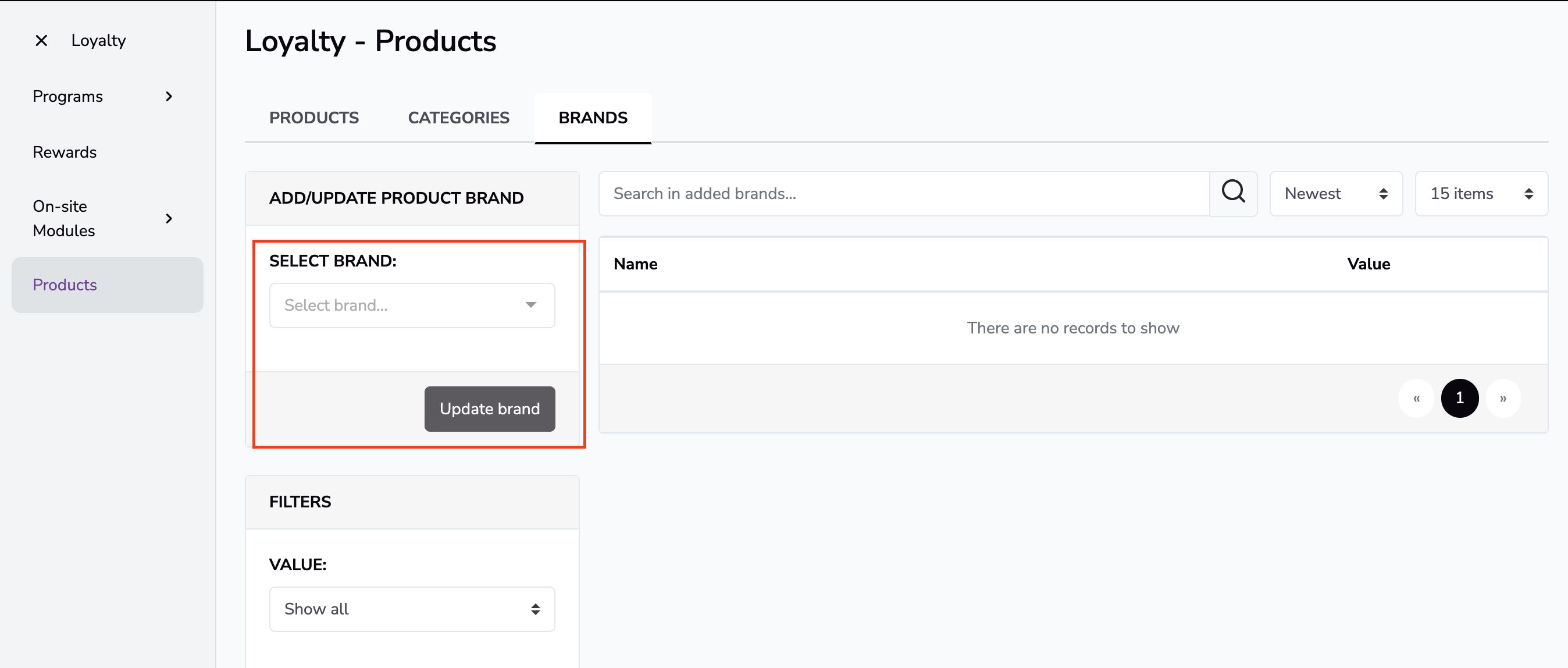
To set a Brand level rule, navigate to the Brand tab. From ADD/UPDATE PRODUCT BRAND select the brand you wish to modify and click "Update Brand". Add your custom rules.
For Categories, follow the same steps as brands.